English / Guides / File Recovery
GUIDE TOPIC
File Recovery
Protect the source drive first, then recover deleted files, removable-media data, RAW volumes, lost partitions, and Mac files without avoidable writes.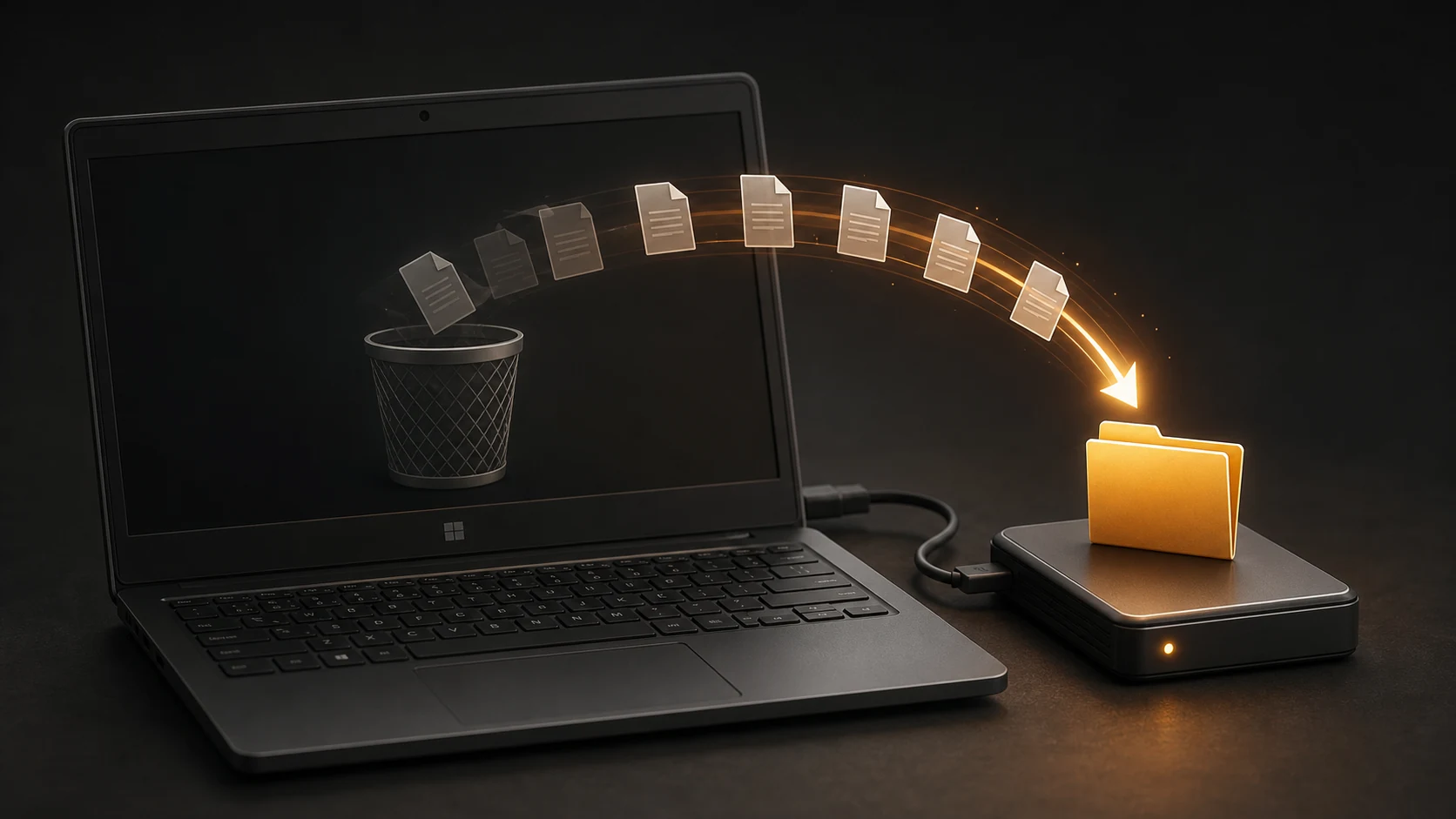 How to Recover Permanently Deleted Files on Windows 11Windows / Recovery · Recover deleted Windows files safely by checking backups first, stopping disk writes, and using Windows File Recovery or Recuva with another destination drive.Read guide02
 How to Recover Files from an SD Card or USB Drive on WindowsSD Card / USB Recovery · Recover photos and documents from a stable SD card or USB drive on Windows with PhotoRec, while avoiding formatting and saving results to another drive.Read guide03
 External Hard Drive Shows as RAW: Recover Files Before FormattingExternal Drive Recovery · Handle a RAW external drive safely by stopping writes, checking hardware stability, imaging when possible, and recovering files before creating a new file system.Read guide04
 How to Recover a Lost Partition Without Formatting the DrivePartition Recovery · Use TestDisk to inspect a missing partition, list and copy files safely, and delay partition-table changes until the data is protected.Read guide05
 How to Recover Deleted Files on a MacMac / Recovery · Restore deleted Mac files from Trash, iCloud, app versions, Time Machine, or PhotoRec while avoiding writes to the source disk.Read guide