English / Guides / Windows Fixes
GUIDE TOPIC
Windows Fixes
Work through Windows 11 hardware, network, audio, storage, download, sync, printing, and File Explorer failures with direct checks. External Hard Drive Not Showing Up in Windows 11: Fix It Without Losing DataWindows / Storage · Find an external drive that is missing from File Explorer, choose the safe fix, and avoid formatting a drive that still contains important files.Read guide02
 Chrome “Failed - Network Error”: Fix Downloads That Keep StoppingChrome / Downloads · Fix Chrome downloads that stop with Failed - Network Error by separating website, connection, security software, extension, and save-location problems.Read guide03
 Windows 11 Second Monitor Not Detected After Sleep or RestartWindows / Display · Restore a second monitor after sleep or restart by checking the input, cable, display mode, dock, graphics driver, and power state in order.Read guide04
 Windows 11 Wi-Fi Option Missing: Restore the Adapter and Wi-Fi ToggleWindows / Wi-Fi · Restore a missing Wi-Fi button in Windows 11 by checking airplane mode, the adapter, WLAN service, driver, hardware switch, and network reset.Read guide05
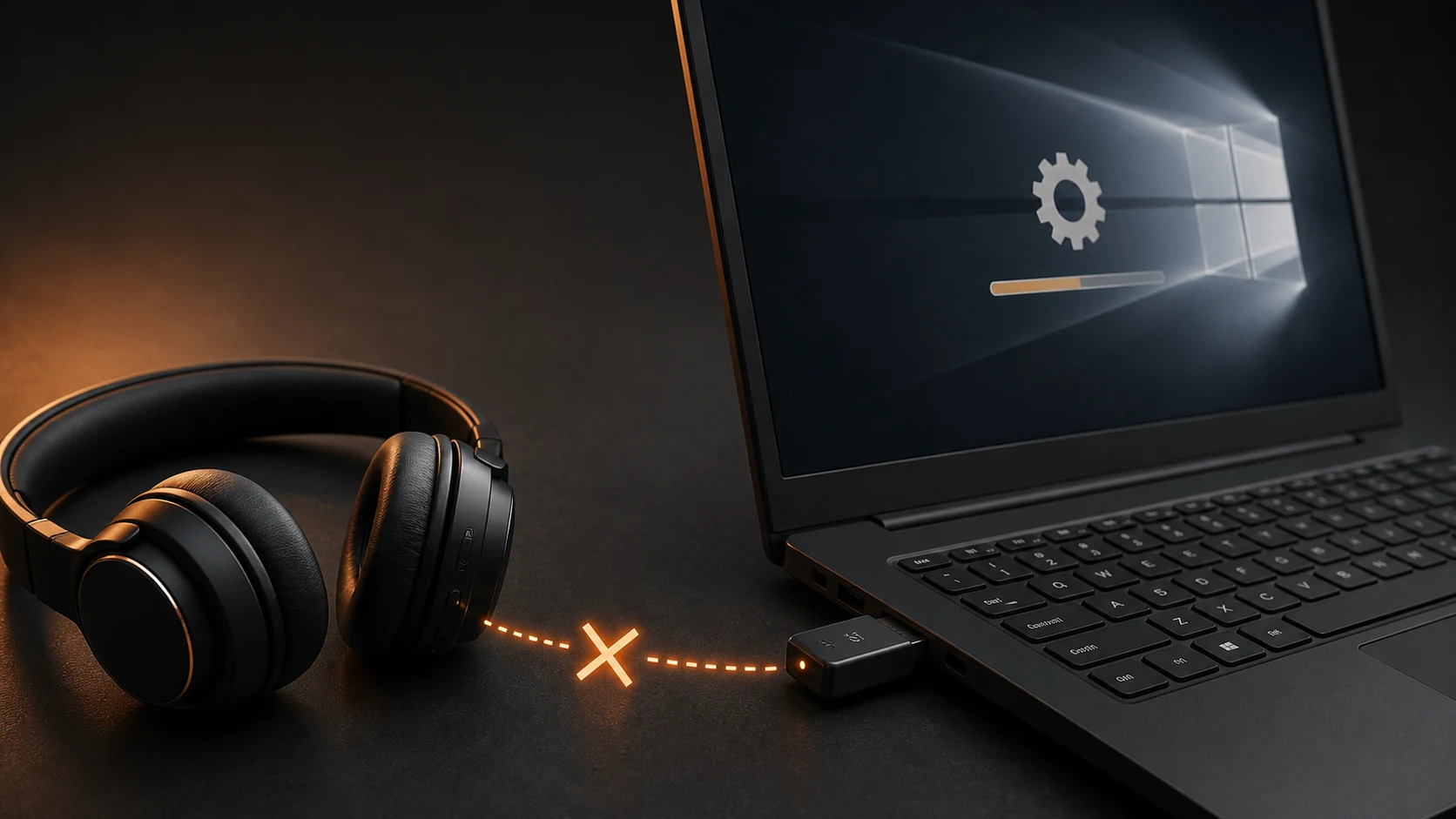 Windows 11 Bluetooth Disappeared After an Update: How to Restore ItWindows / Bluetooth · Restore missing Bluetooth in Windows 11 by checking the adapter, service, driver rollback, power state, and manufacturer updates.Read guide06
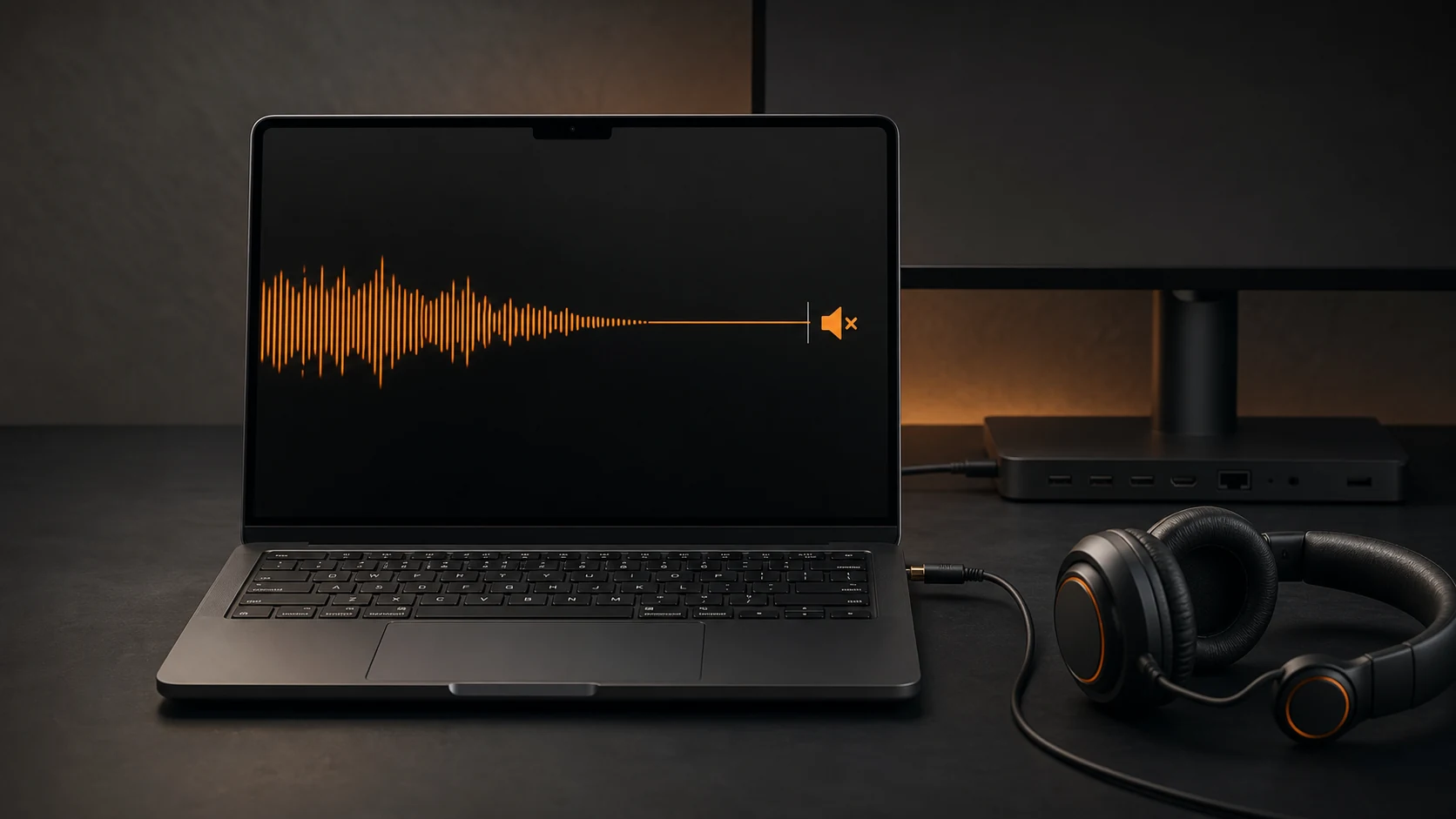 No Sound After a Windows 11 Update: Fix Drivers and Audio OutputWindows / Audio · Restore sound after a Windows 11 update by checking the selected output, app mixer, audio service, driver rollback, and HDMI or Bluetooth routing.Read guide07
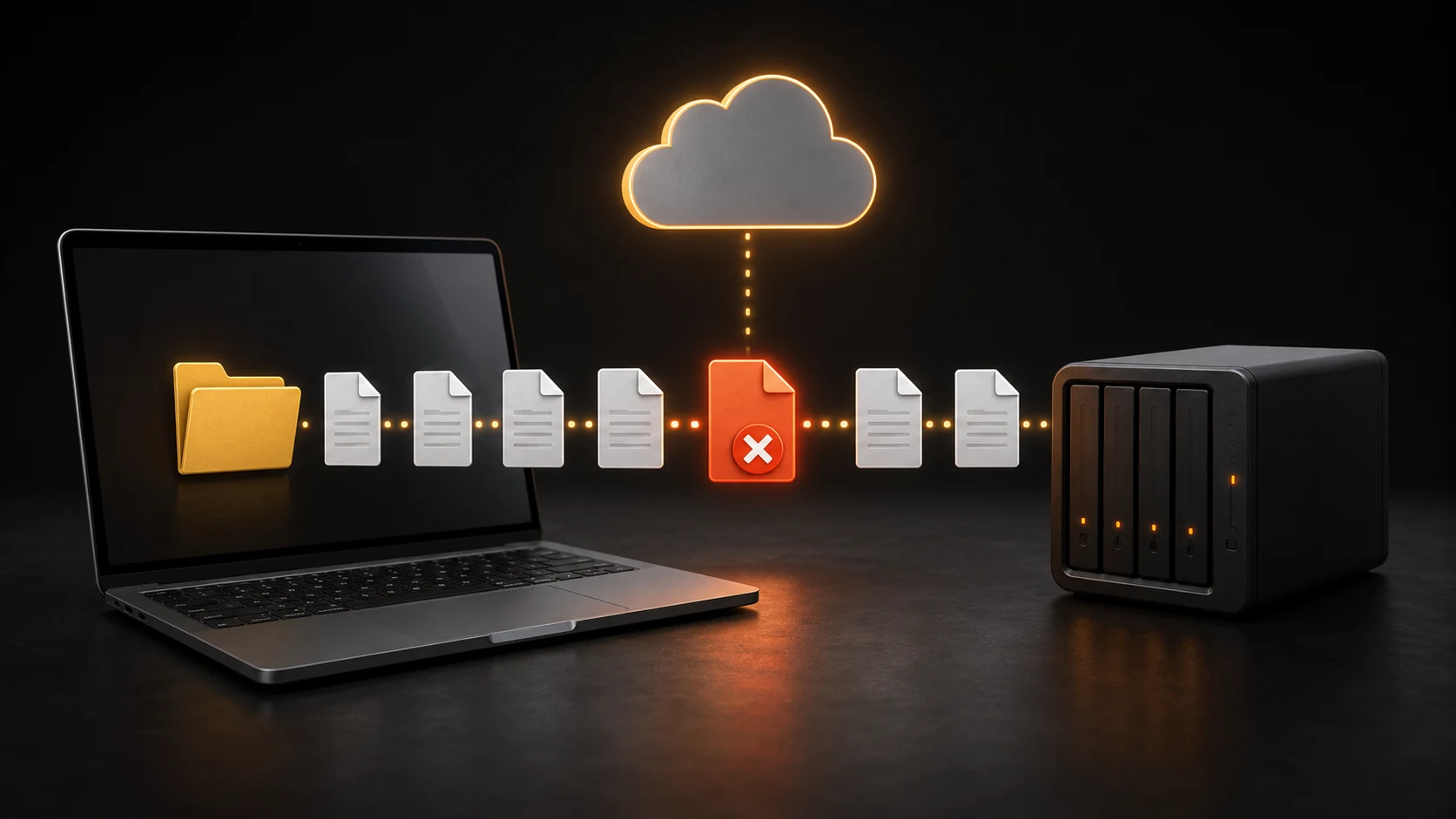 OneDrive Stuck on “Processing Changes”: Find the File Blocking SyncOneDrive / Sync · Fix OneDrive when it remains on Processing Changes by checking service status, storage, paused sync, invalid files, shortcuts, and account relinking.Read guide08
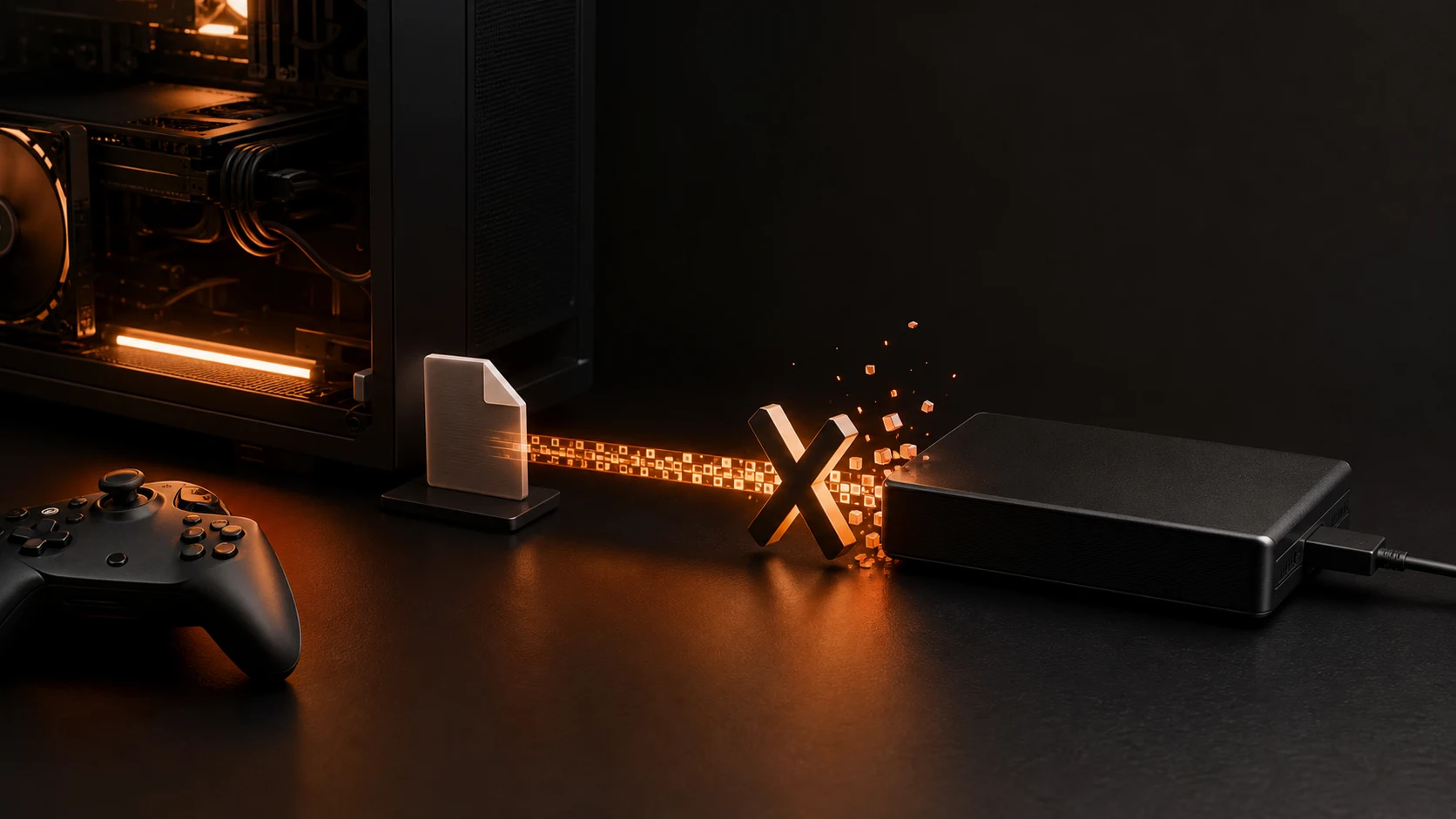 Steam Disk Write Error: Fix Downloads and Game UpdatesSteam / Storage · Fix a Steam Disk Write Error by checking free space, the affected library, antivirus history, folder permissions, download cache, and drive health.Read guide09
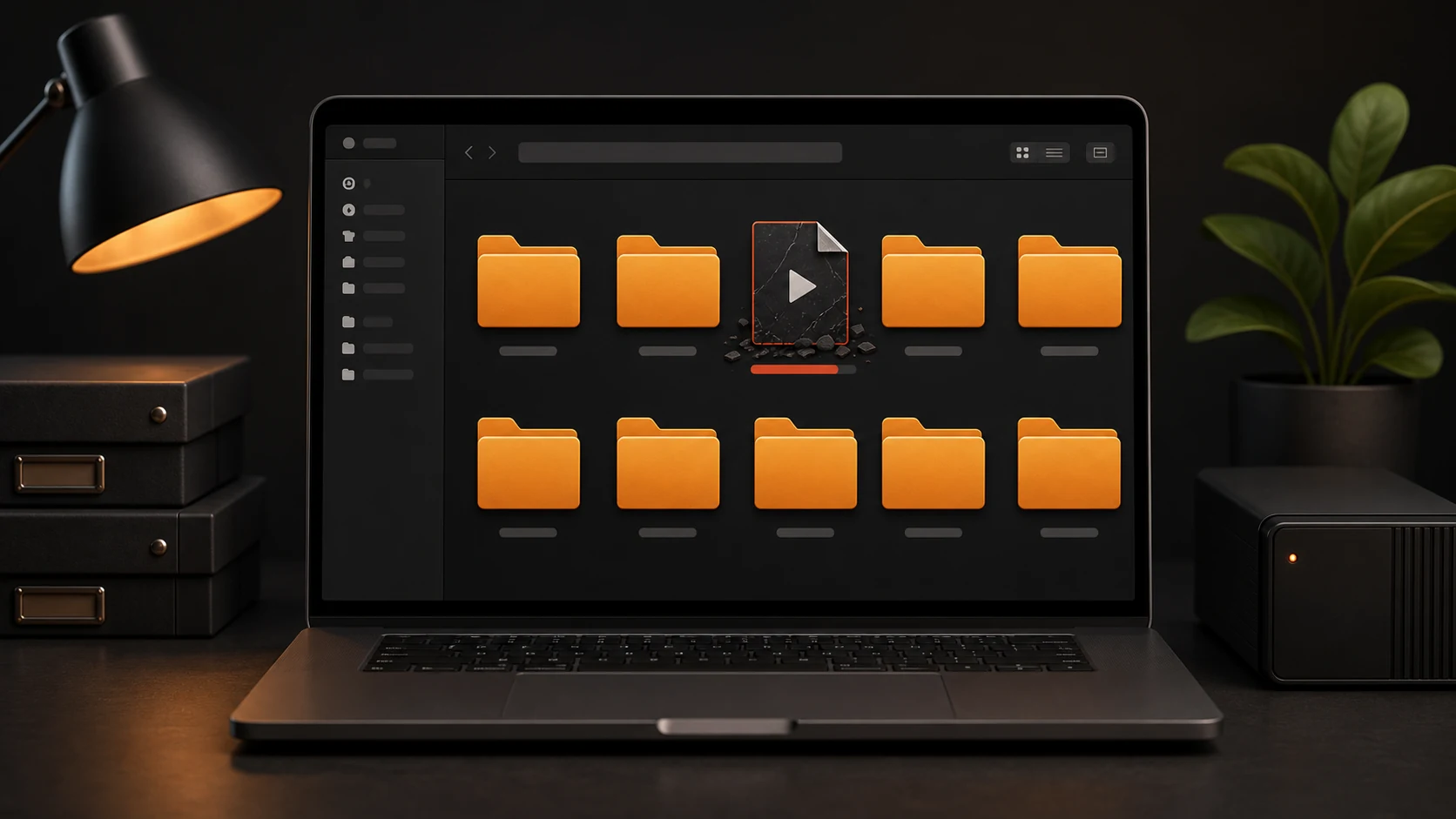 File Explorer Not Responding When Opening Downloads or FoldersWindows / File Explorer · Fix File Explorer freezes by separating one damaged folder, thumbnails, Quick Access, folder templates, storage, and Windows system files.Read guide10
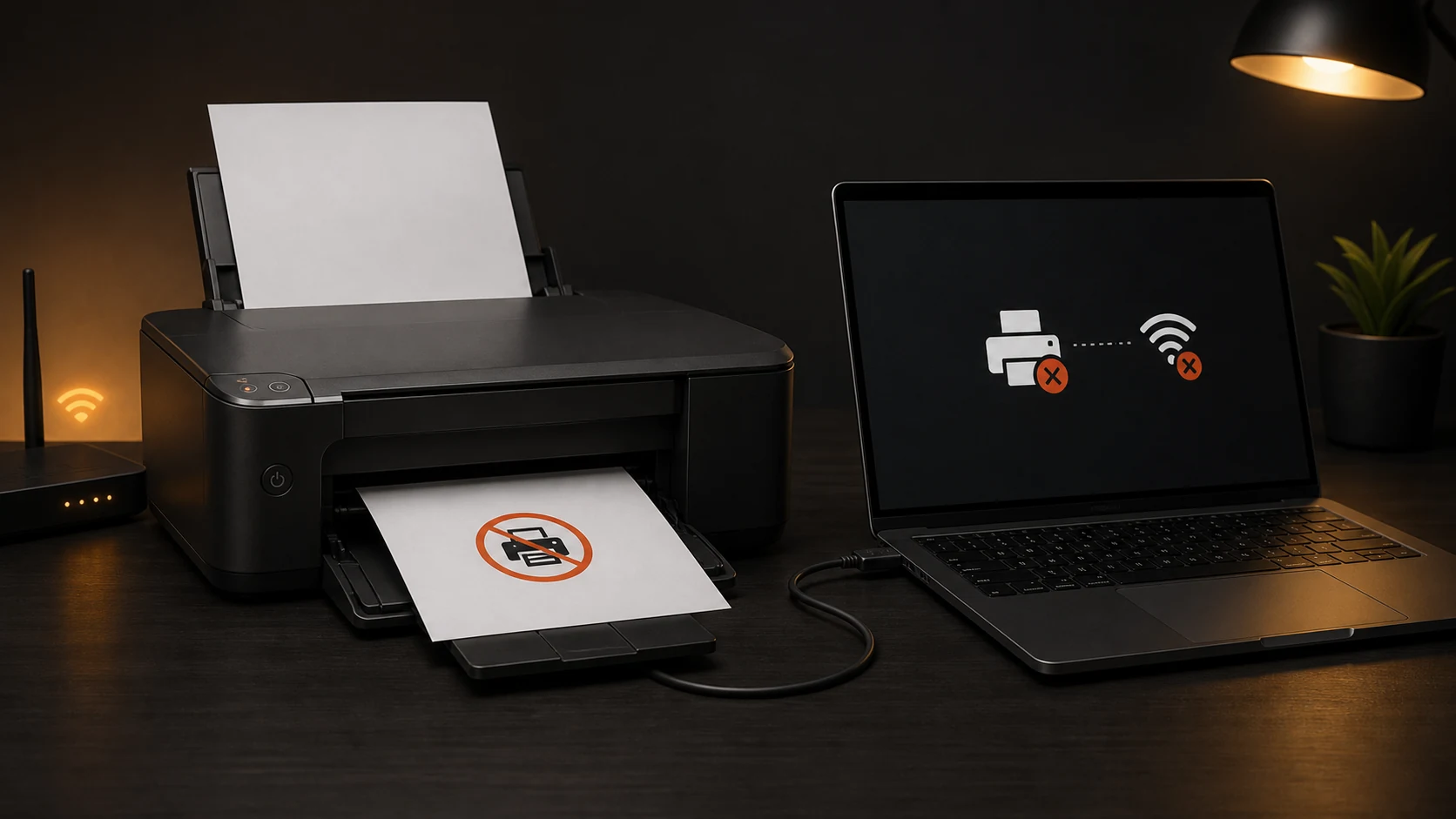 Printer Offline in Windows 11: Clear the Queue and Reconnect ItWindows / Printer · Bring a printer back online in Windows 11 by checking its connection, queue, offline setting, default printer, spooler, driver, and IP address.Read guide11
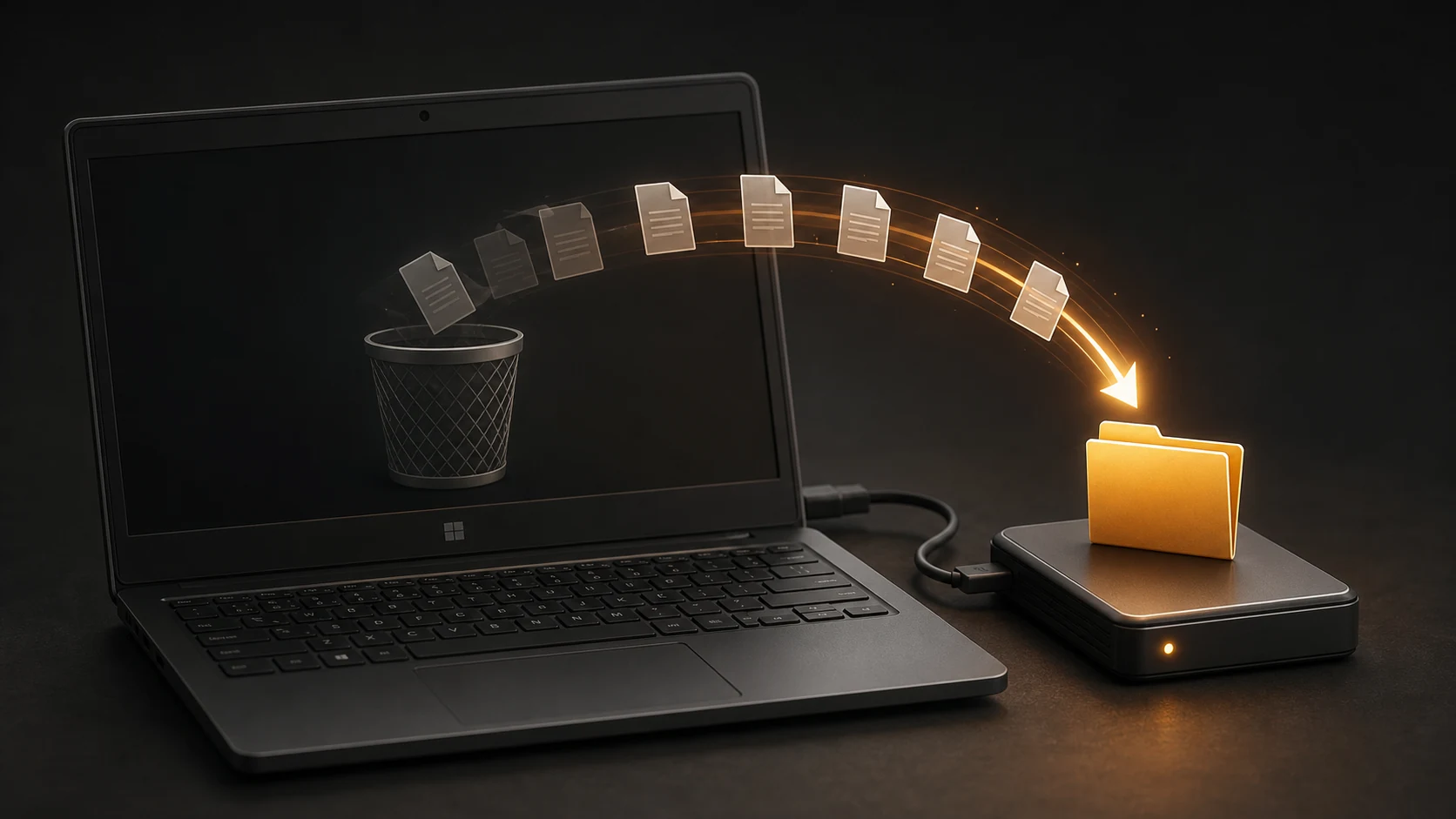 How to Recover Permanently Deleted Files on Windows 11Windows / Recovery · Recover deleted Windows files safely by checking backups first, stopping disk writes, and using Windows File Recovery or Recuva with another destination drive.Read guide